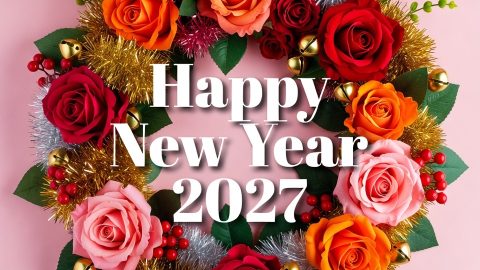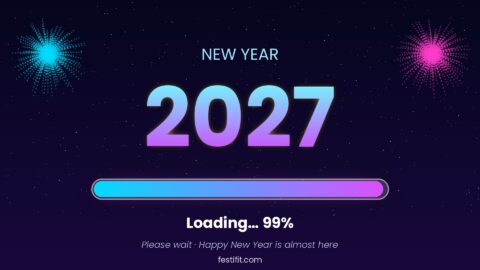
Looking for a New Year picture for your WhatsApp status or profile? Many people update their display picture on the first morning of the year, so this page collects Happy New Year 2027 images in several sizes: square DPs, tall phone wallpapers and wide status banners. Every image is ready to save and share.
Happy New Year 2027 Images for WhatsApp Status
A WhatsApp status stays visible for a short time, so pick a bold image that reads at a glance. The wide banner works well as a status, and the caption can carry a short wish.
Try a caption such as “Fresh start, new goals, Happy New Year 2027” to pair with the banner above.
Happy New Year 2027 Images for WhatsApp DP
A square image fits a WhatsApp display picture without cropping the text. Use one of these DP designs for the first week of 2027.
Happy New Year 2027 Profile Picture
For a clean profile picture, choose a light design with a short line of text. It stays readable at the small size WhatsApp uses in chats.
Happy New Year 2027 Wallpaper and HD Status Cards
The tall wallpaper suits a phone background, and the HD status card is a good choice when you want a simple greeting with a bit of colour.
Animated New Year 2027 WhatsApp Status GIF
An animated status gets more attention than a still image. This GIF moves on its own and works as a status or a chat greeting.
WhatsApp Banner for New Year 2027
New Year 2027 Profile Pictures for Facebook and WhatsApp
Round-friendly pictures with the subject in the centre, so nothing important is cropped when the app shows them as a circle.
How to Set a New Year 2027 WhatsApp Picture
Save the image to your phone, open WhatsApp, tap your profile, choose the camera or edit icon, and select the saved file. Crop it to a square if needed. For a status, tap the status tab, choose the camera or gallery icon, then add the image and a short caption.
Frequently Asked Questions
Are these New Year 2027 WhatsApp images free?
Yes. You can save any image on this page for personal use on WhatsApp, Facebook and other apps.
Which size is best for a WhatsApp DP?
A square image works best because WhatsApp shows display pictures as circles.
Can I use the animated GIF as a status?
Yes. Upload the GIF as a status or send it in a chat.
Related posts:
 Happy New Year 2027 SMS in English – 140 Character Messages
 Happy New Year 2027 Status for WhatsApp, Facebook, X and LinkedIn
 Happy New Year 2027 Truth and Dare Games: Questions and Dares for Friends
 Funny Happy New Year 2027 Quotes, Messages, Memes and Wishes
 Happy New Year 2027 Wishes for Teachers and Mentors
 Goodbye 2026 and Welcome 2027 Clipart Images, Free New Year 2027 Clip Arts
 2027 Loading Images, Wallpaper & GIF (Full HD Bar Banner Background)
 Happy New Year 2027 Funny GIF – Free New Year Animated GIF Images
 Merry Christmas Images HD Wallpapers, Happy Xmas Wishes Free Download
 Happy New Year 2027 GIF Images Free Download – 20 Animated New Year GIFs